Welcome back to our second devblog post! If you’ve missed the first one where we highlighted the tutorial level, you can find it here. This time we’ll be taking a look at the creation of The Snake Tower in one of our levels for Serpent’s Gaze. We’ll show you our workflow from initial idea to blockout, to concept art, to bespoke 3D model. Let’s dive in!
During one of the playtests of this level we discussed adjusting the area to the side of the bridge. At this time the area consisted of scaffolding and some placeholder meshes but we wanted to make it stand out more. The idea we settled on was to create a large pillar/tower like structure that would be wrapped by a snake statue. At the top of the tower we wanted a large platform where players might find a reward or fight enemies. We blocked out the area to get the scale and overall flow right and once we were happy with it we moved on to concept art.
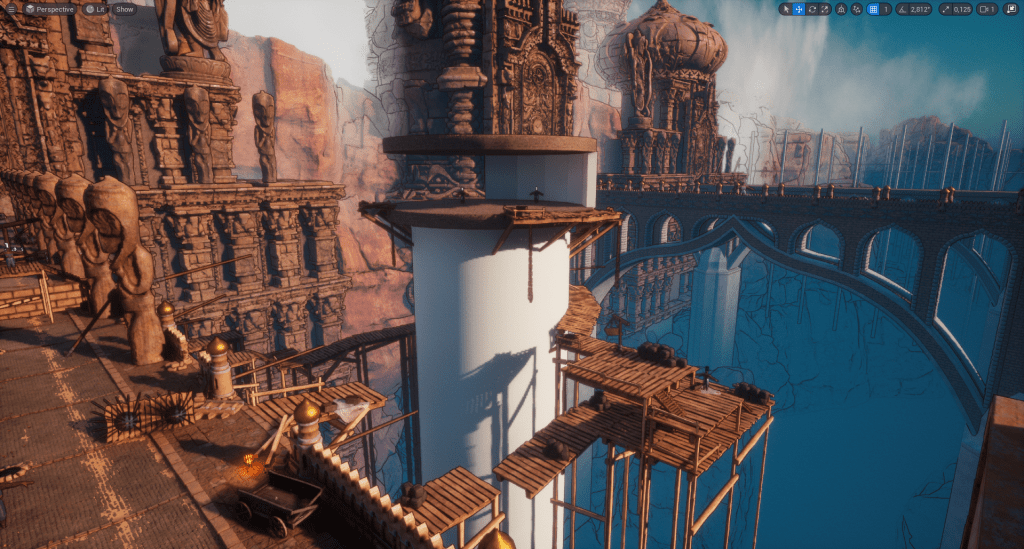
Using the shape of the tower and the previously discussed idea we created concept art for the snake tower.
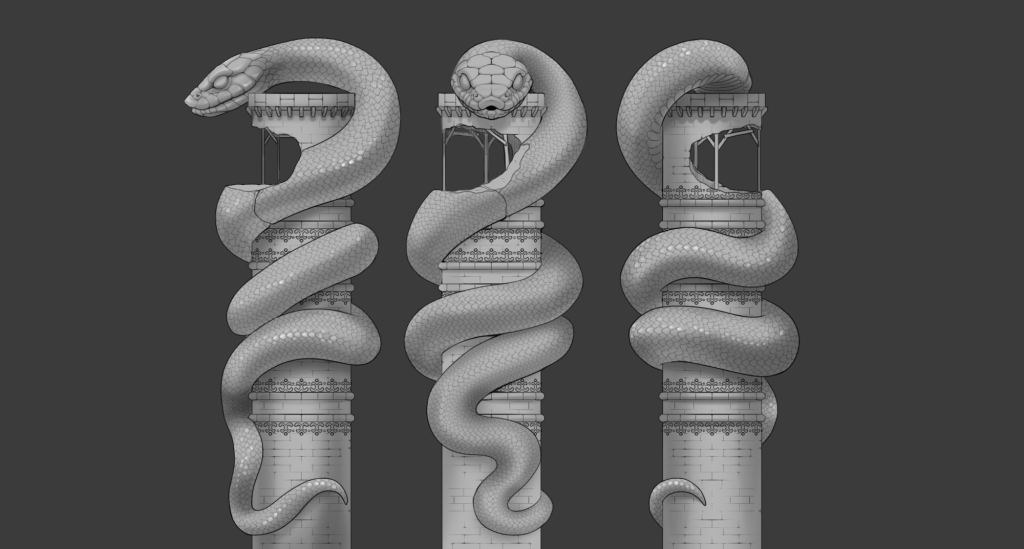
The next step in our process is to create the bespoke 3D model in Blender. This is made based on the concept art and the metrics of the blockout. Our intention for the snake statue is for players to use it to ascend the tower. Because of this, the model is placed into the level and included in playtests as soon as possible so we can catch any potential issues early on.
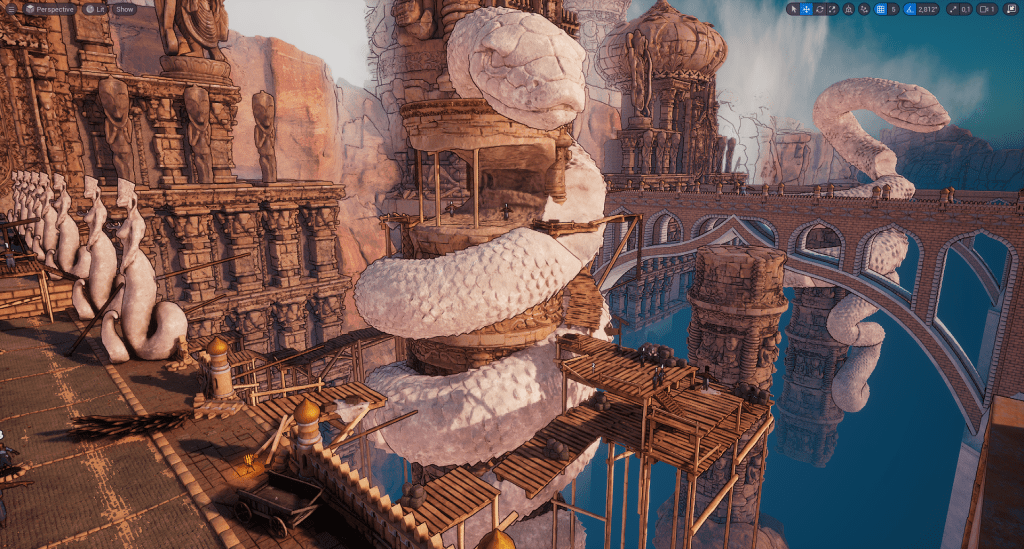
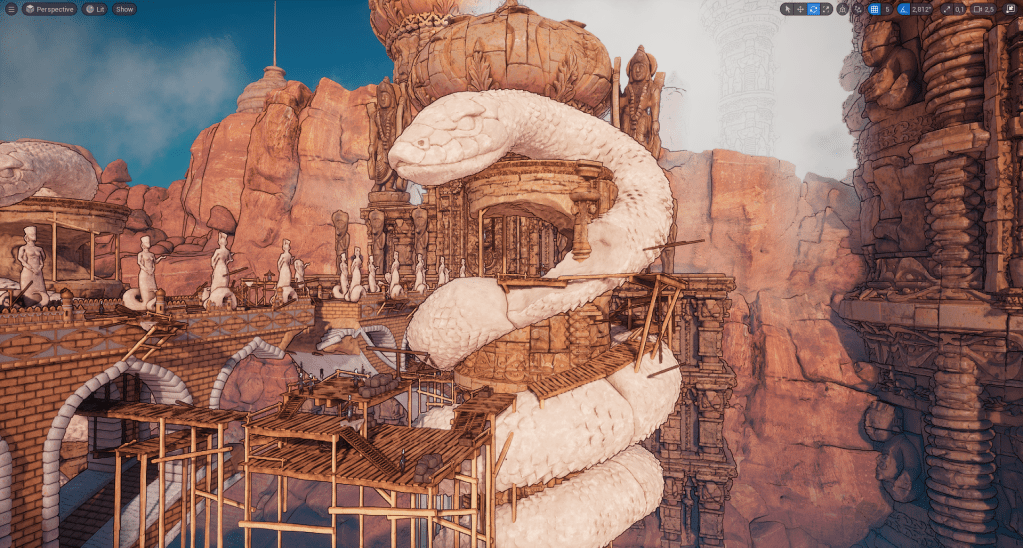
We hope you enjoyed this tiny glimpse into our workflow for The Snake Tower! Feel free to drop us a message if you have any feedback or thoughts and if you’d like to see more of our progress be sure to give us a follow on Bluesky, Xitter or TikTok (or join our Discord server!).
Hadeee haaaaaj,
Feeble Minds
 Feeble Minds